
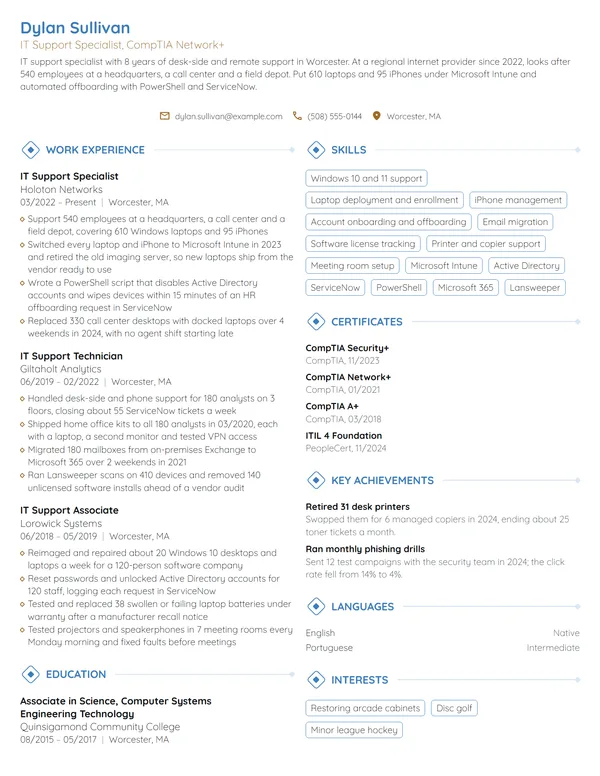
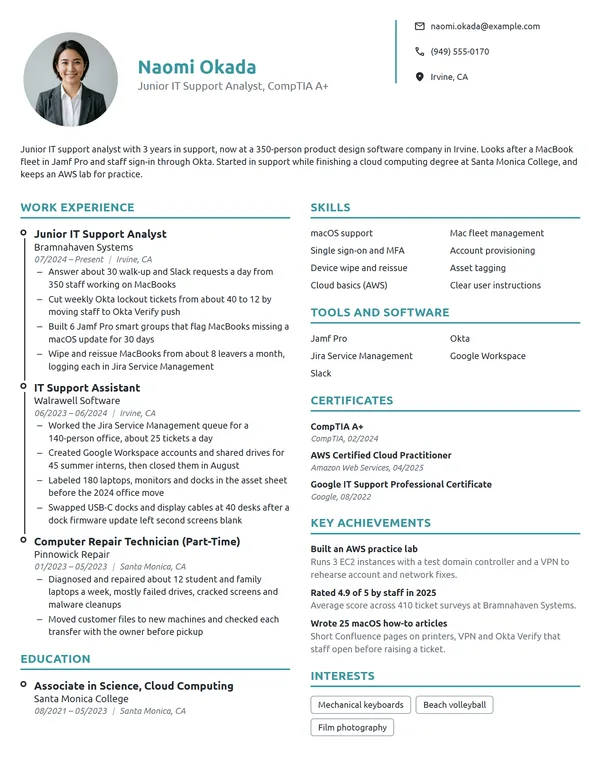
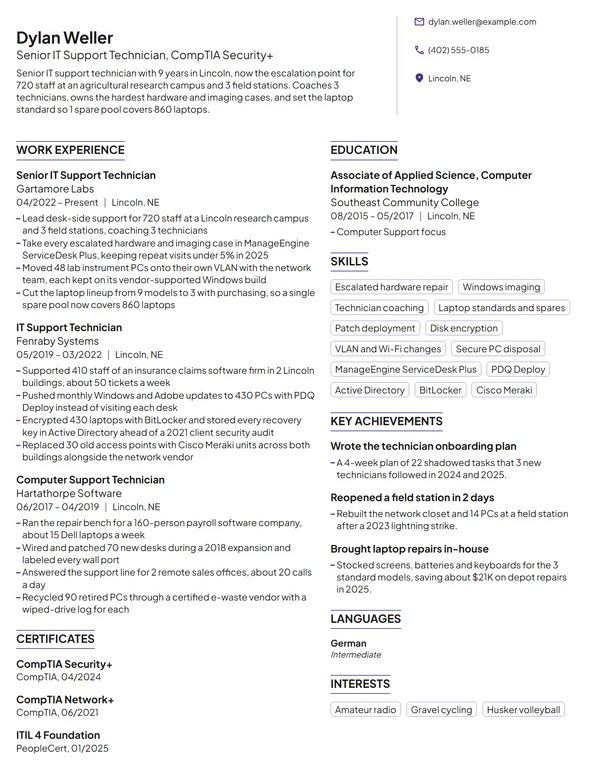
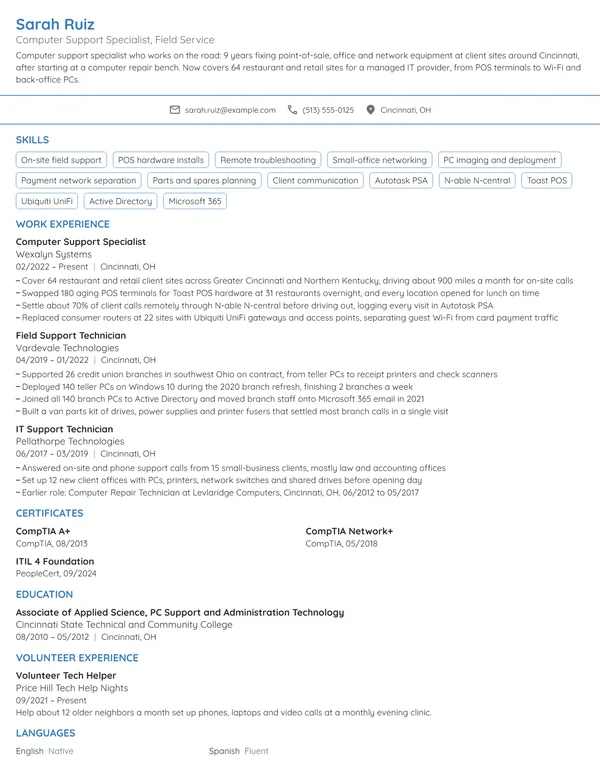
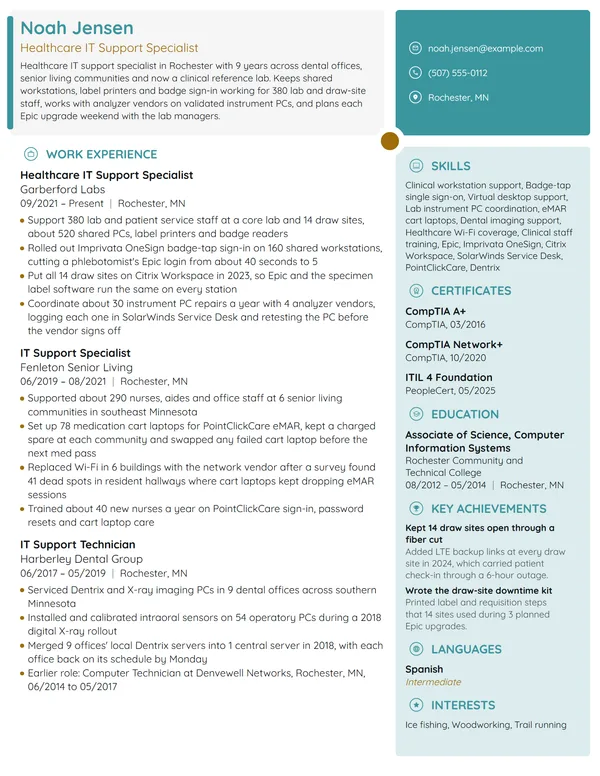
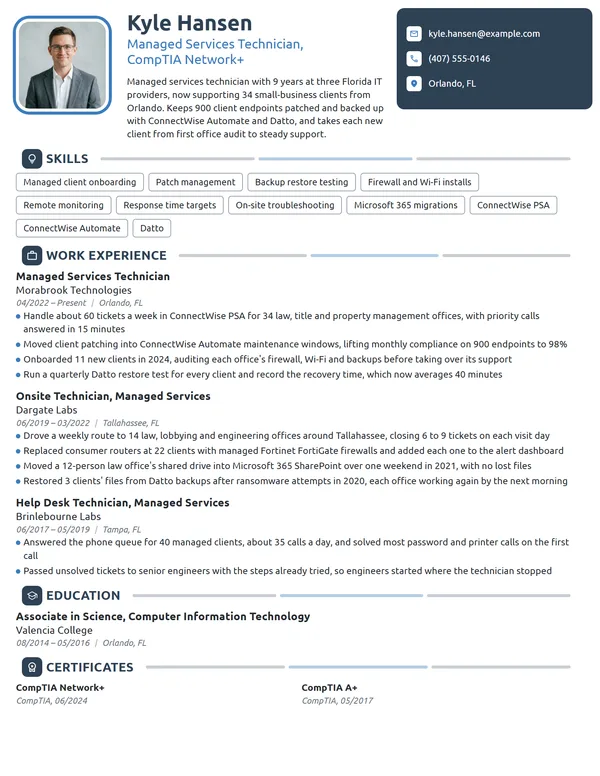
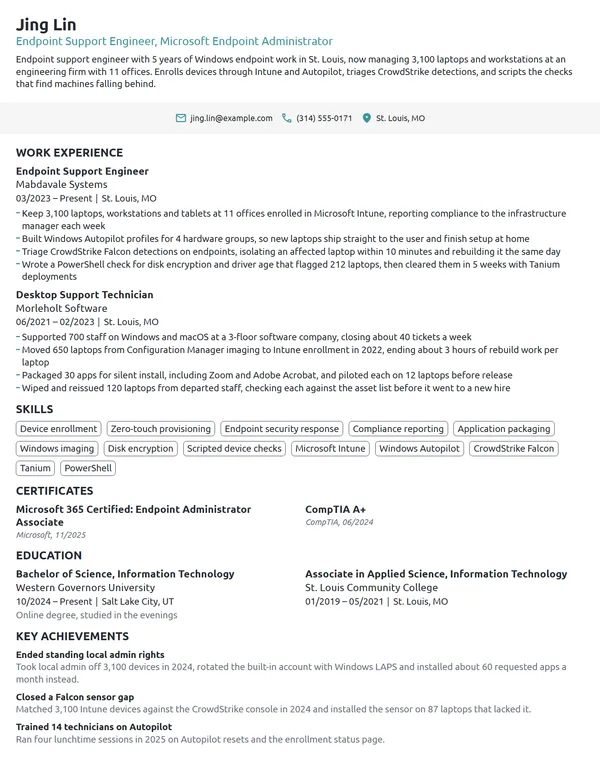
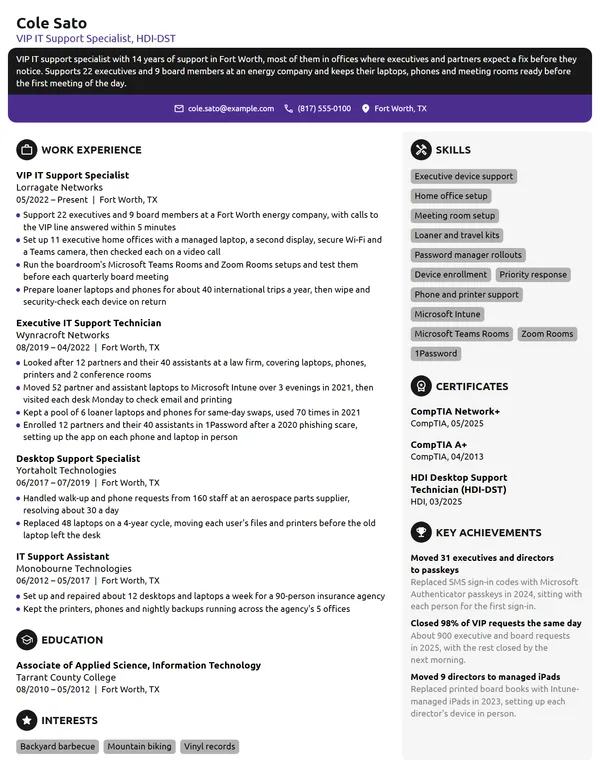
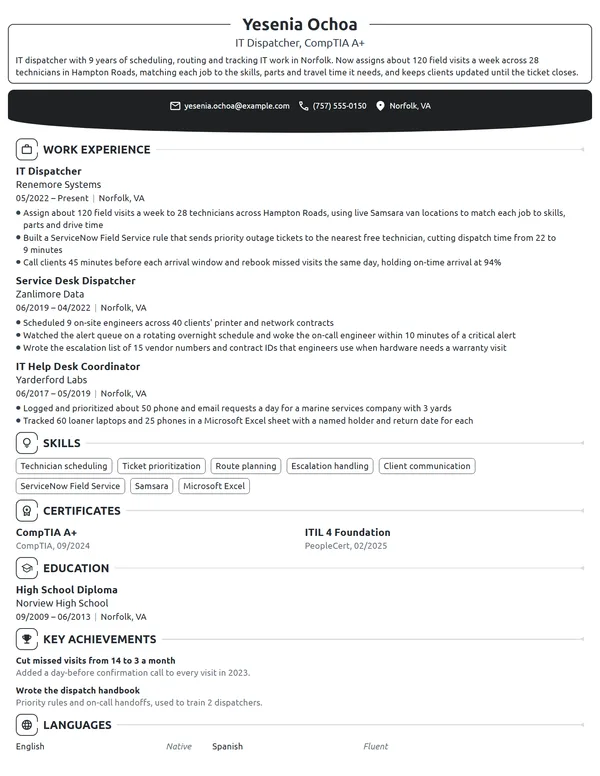
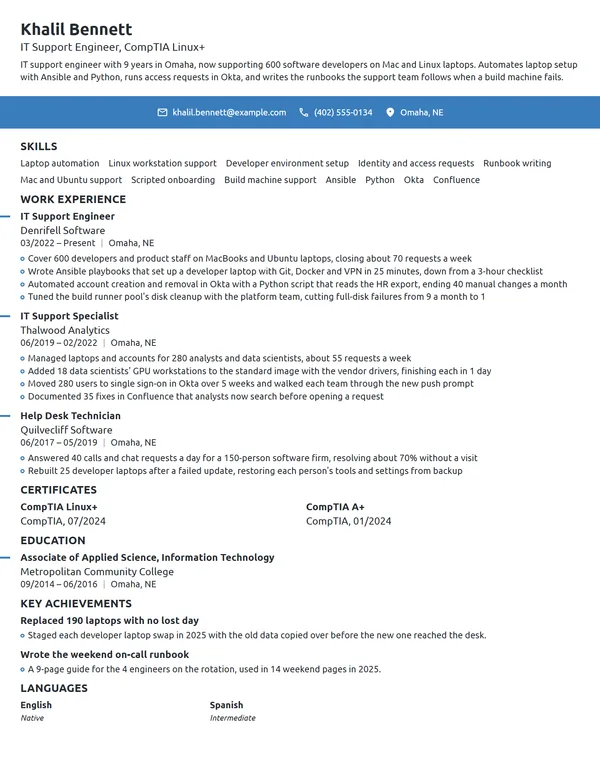
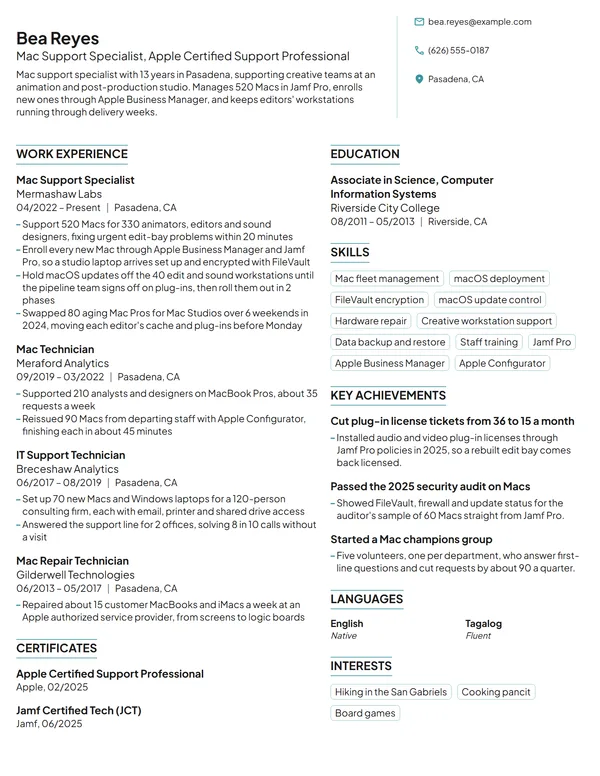
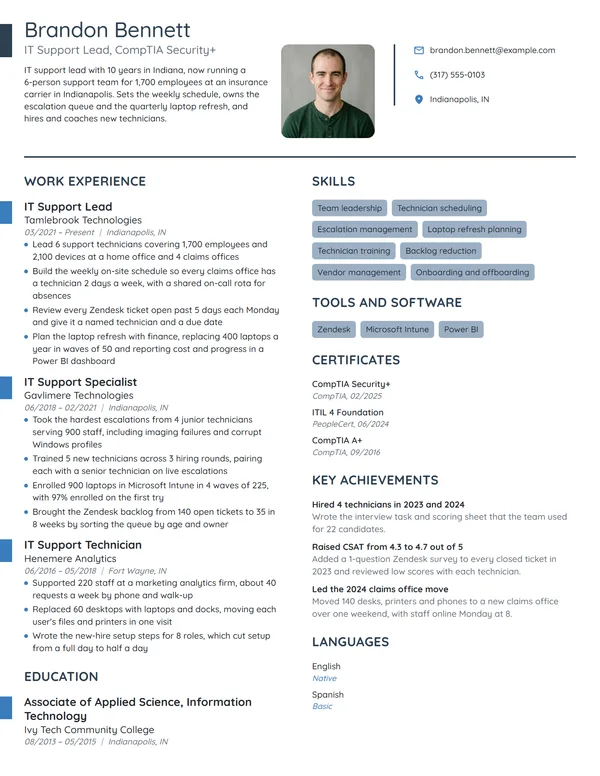
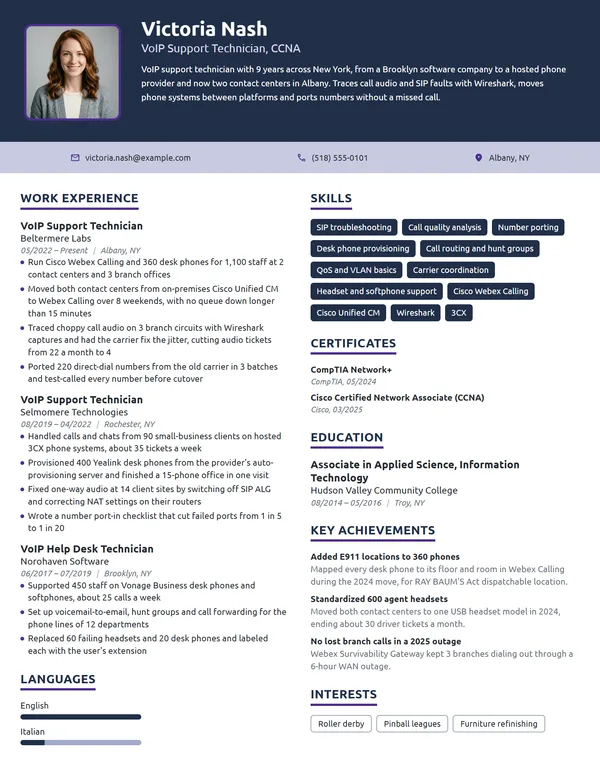
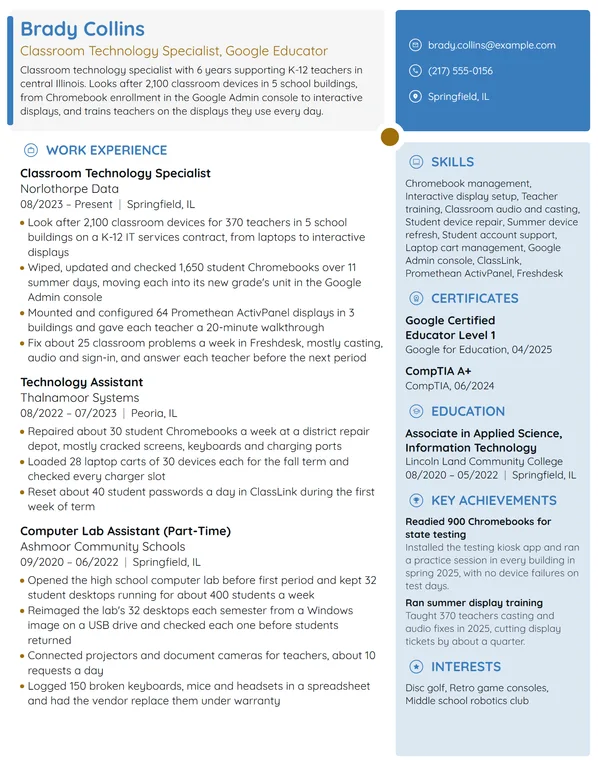
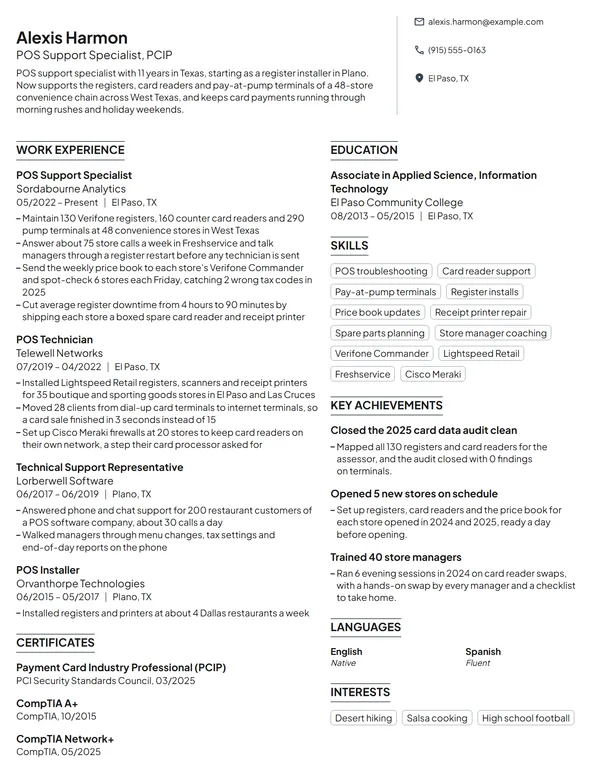
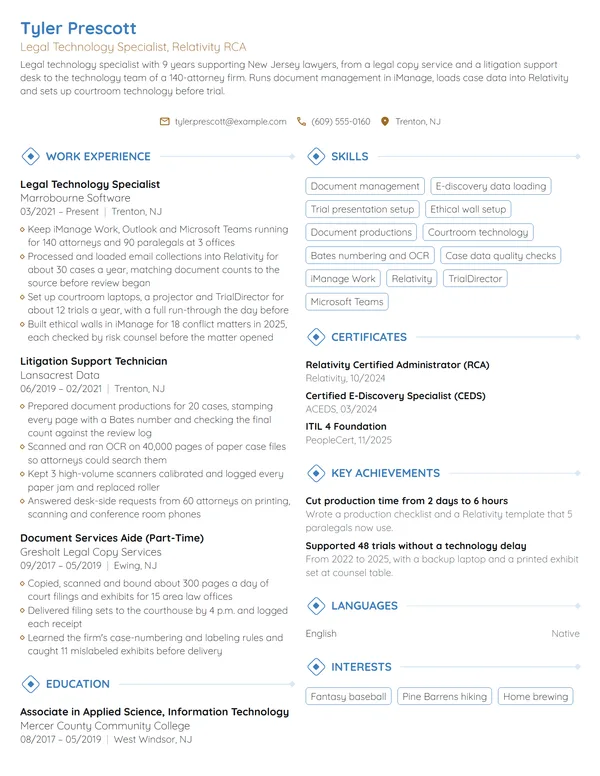
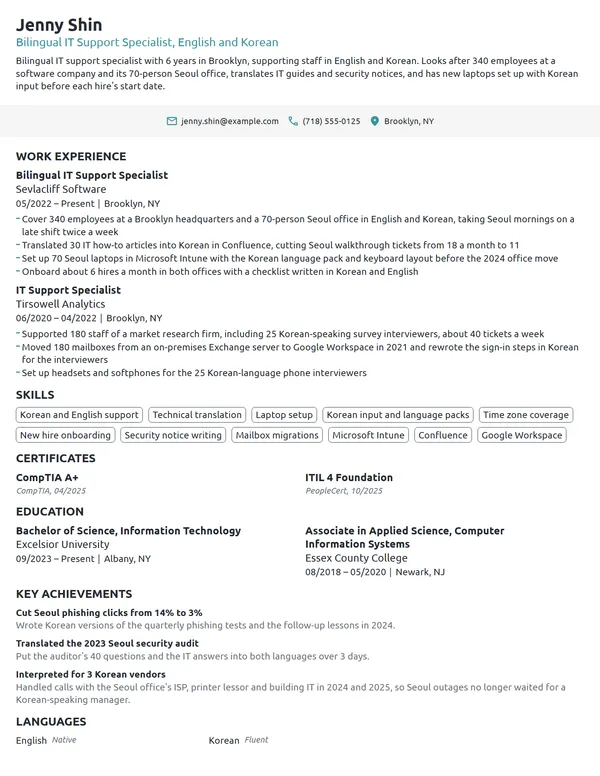
IT support keeps everyone else working: laptops, accounts, printers, phones and the software people log into every morning. Every IT support hire turns on how many users and devices you looked after, which systems you ran, and how quickly people got back to work after something broke. A resume that names your environment and puts a number on each fix answers those questions before the interview, and your certifications and the platforms from the job ad settle the rest.
How to Write an IT Support Resume - Key Takeaways
- Use reverse-chronological order on 1 page, and go to 2 only with 10+ years or a lead role.
- Open with 2 to 3 lines that give your user count, your platforms and your biggest rollout or fix.
- Give each bullet a figure an IT manager tracks: devices deployed, new hires set up, patch compliance, assets tracked or rooms kept running.
- Name your platforms exactly, such as Active Directory, Jamf Pro or Microsoft Intune, under Skills and inside a bullet.
- List only active certifications, each with its issuer and month, and show a CompTIA renewal when a higher certification carried it.
- Check the finished file with an ATS resume checker, since many IT employers filter applications for platform and certification names.
What IT managers look for in an IT support resume
The BLS describes computer user support specialists as the people who diagnose a user's computer problem, set up or repair equipment, and install new hardware or software and train people to use it. O*NET adds overseeing the daily performance of computer systems and setting up equipment for each employee, from cables to operating systems. In most IT support jobs that means devices and accounts as much as tickets.
Arrange your sections in the order an IT manager expects to find them:
- Your name, a headline such as IT Support Specialist, CompTIA Network+, and contact details
- 2 or 3 opening lines that sum up your environment and best result; they print without a heading
- Work Experience, current role at the top
- Skills, with your operating systems, directory and device management tools
- Certificates
- Education
- Key Achievements, Volunteer Experience or Languages, if the page has space
Best format for an IT support resume
Go with the reverse-chronological resume format, starting with your current job: the title, the employer, its city and your MM/YYYY dates. IT support careers grow by scope, from 1 office to several sites and from fixing devices to planning the rollout, and newest-first order lets an IT manager follow that growth. Career changers keep this order too and lead each job with its technical work.
- Best for most IT support rolesReverse-chronologicalYour jobs, newest first, with your results under each one.Best for: A steady work history in your field
- FunctionalSkills grouped up top, with a short work history below.Best for: Gaps or very little experience
- CombinationA skills section first, then your full work history.Best for: A career change with strong skills
Stay on 1 page while your roles are hands-on support. Move to 2 pages once you have 10+ years, lead a support team or have run several large migrations, and keep your current job and certifications on page 1. Retail or warehouse jobs from before IT can shrink to 1 line each.
| Setting | What to use |
|---|---|
| Length | 1 page for hands-on support roles; 2 for 10+ years or a lead role |
| Job title line | The title your employer used, such as Desktop Support Technician or IT Support Specialist |
| Sites and fleet | Users, sites and device count in the first bullet of each IT job |
| Dates | MM/YYYY on every job and certificate; Present for the job you still hold |
| Personal details | Skip your age, marital status and SSN; a photo is rare in the US |
| File type | PDF, or a Word file when the application system asks for one |
Most US and Canadian resumes carry no photo, and IT postings often pass through applicant-tracking software first, so plain section names and a simple layout keep your platforms readable.
IT support resume summary vs. objective
Start with a single question: have you been paid to keep other people's technology working? If yes, write a resume summary with your user count, setting, platforms and your strongest rollout or fix. If your experience is coursework, a home lab or repairs for friends, write a resume objective that names the role you want and your best proof. Write it after your bullets, so it can borrow their best number.
IT support resume summary formula
Title supporting users across sites or setting on platforms. Biggest rollout, migration or fix, with a number. Certifications.
Example
IT support specialist supporting 310 employees across 4 engineering offices on Windows 11, macOS and Microsoft 365. Moved 380 laptops to Windows 11 before Windows 10 support ended in October 2025. CompTIA A+ and Network+ certified and a Jamf Certified Associate.
Don't
Results-driven IT support specialist with experience in hardware, software and networking, looking to contribute to a dynamic team.
Do
IT support specialist with 4 years at a 2-site manufacturer, covering 260 users on Windows 11 and Microsoft 365. Rolled out MFA to every account in 6 weeks with 0 lockouts on launch day. CompTIA A+ and Network+.
This version names the setting, the user count, the platforms, 1 project result and the certifications.
How to write IT support work experience bullets with numbers
Your current role gets 3 to 4 bullets and an earlier one up to 4, fewer the further back it sits, and every bullet opens on an action verb. Let the first bullet set the scene: users, sites, device count and the systems you worked in. The others should show achievements on your resume with a before and after, such as a rollout finished, setup time cut or compliance raised, rather than the duties from your job description.
| Area | What to count | Example bullet |
|---|---|---|
| Environment | Users, sites, devices by platform | Kept 190 devices running for 140 users at a 5-site clinic network. |
| Rollouts and refreshes | Devices replaced or upgraded, weeks, downtime per user | Imaged and delivered 210 replacement laptops in 6 weeks, each user back at work within 1 hour of the swap. |
| Onboarding and offboarding | Hires a month, setup time, accounts closed on time | Cut new-hire setup from 3 days to 4 hours with a Windows Autopilot profile for 9 departments. |
| Fixes in person | Share fixed on the first visit, staff covered | Fixed 68% of desk-side and phone requests on the first visit for 230 staff on 2 floors. |
| Patching and security | Patch compliance, endpoints, stalled agents | Raised monthly patch compliance from 82% to 97% of 600 endpoints by repairing 40 stalled update agents. |
| Assets and rooms | Assets tracked, devices recovered, rooms maintained | Audited 1,150 tracked assets and recovered 37 laptops from departed employees. |
Here is one IT support specialist's entry built that way. The first bullet sizes the environment, the next ones show projects with their result, and the warehouse job keeps a single line.
Work Experience
- Look after 420 Windows laptops and 60 MacBooks for 310 employees in 4 offices, working about 45 tickets a week in Freshservice.
- Moved 380 laptops from Windows 10 to Windows 11 between 01/2025 and 09/2025 with 0 lost user files.
- Enrolled every MacBook in Jamf Pro and packaged 14 standard apps for self-service install.
- Built an onboarding checklist with HR that has accounts, a laptop and a phone ready on day 1 for about 12 hires a month, down from 3 days.
- Kept 85 handheld scanners and 22 label printers running for 150 users at 2 warehouses, swapping a failed scanner within 30 minutes.
Don't
Set up computers for new employees.
Do
Prepared laptops, phones and accounts for 90 new hires in 2025, each ready before the employee's first morning.
Don't
Maintained hardware and software across the company.
Do
Tracked 640 laptops, monitors and phones in the asset register and flagged 70 for replacement before their warranties ran out.
The rewrite counts what you looked after and shows the decision you made with it.
IT support skills and software for your resume
Choose 6 to 8 technical skills for your resume that the posting asks for and your bullets already prove. Hardware troubleshooting, account administration and device setup fit nearly every IT support role; scripting, network cabling or conference room systems only where you have done that work.
Hard skills for IT support
- Windows 11 deployment and troubleshooting
- macOS and iOS support
- Active Directory and Microsoft 365 administration
- Laptop imaging and device enrollment
- Mobile device management
- Hardware repair and parts replacement
- Patch and update management
- Network troubleshooting (DNS, DHCP, Wi-Fi, VPN)
- IT asset management
- Conference room and AV setup
Soft skills IT managers value
- Explaining fixes without jargon
- Prioritizing by business impact
- Patience with stressed users
- Careful documentation
- Seeing a fix through to the end
- Working with vendors
List your platforms inside Skills, then show each one at work in a bullet. For computer user support specialists, O*NET flags Microsoft Active Directory, ServiceNow, Microsoft Windows, Apple macOS, Apple iOS, Linux and Microsoft Azure as both in-demand and hot technology. Name your device management tool the way the posting does, whether Microsoft Intune, Jamf Pro or another platform, along with your ticketing system and remote-access tool.
CompTIA, ITIL and Jamf: IT support certifications on a resume
The BLS notes that employers may require support specialists to hold certifications in the products the company uses, and that some candidates qualify with a high school diploma plus relevant IT certifications. Put certifications on your resume under Certificates, each with the issuer and the month you earned it, and add your strongest one to the headline under your name.
| Credential | Issued by | What it takes |
|---|---|---|
| CompTIA A+ | CompTIA | 2 exams, Core 1 (hardware and networking) and Core 2 (operating systems and security), taken in either order; expires 3 years after you earn it unless renewed. |
| CompTIA Network+ | CompTIA | 1 exam, N10-009, with up to 90 questions; CompTIA recommends A+ and 9 to 12 months of hands-on experience first. |
| ITIL 4 Foundation | PeopleCert | A 60-minute, closed-book exam of 40 multiple-choice questions with a 65% pass mark; renewed every 3 years. |
| Jamf Certified Associate, Jamf Pro | Jamf | The free Jamf 100 course, then a 60-minute exam of 50 questions, passed at 80%, for USD 100. |
How to list a CompTIA certification that has expired or been renewed
CompTIA says a certification expires 3 years from the date you earn it. You can renew it with continuing education, by passing the latest exam, or by earning a higher CompTIA certification, which renews the lower ones and moves their expiry date to match. List each active one with the month you earned it and note a renewal where a higher certification carried it. Leave an expired certification off, or renew it before you apply if the posting asks for it.
Certificates
- CompTIA Network+, CompTIA, 09/2024
- CompTIA A+, CompTIA, 11/2021; renewed through Network+, active to 09/2027
- Jamf Certified Associate, Jamf Pro, Jamf, 03/2025
- ITIL 4 Foundation, PeopleCert, scheduled 12/2026
How to list an IT degree or college certificate on an IT support resume
According to the BLS, user support specialists typically need some college courses. An associate degree, a community college certificate or a bachelor's degree all belong in Education; an unfinished degree goes in with the credits completed or the expected month.
When you list education on a resume, give the full program name as the college printed it, the college, the city it sits in and the month you finished. Add a concentration such as Networking or Cyber Defense if it matches the job. Once you have 2 or more years of IT work, Education moves below Work Experience and drops its coursework line.
Education
Networking concentration.
Entry-level and career-change IT support resumes
For a first IT support job, open with an objective, put your certifications or exam dates high on the page, and count every time you have set up or fixed technology for someone else. An entry-level resume places proof like this above any unrelated jobs. Each of these can carry the figures a paid job would:
- Student IT or computer lab job: labs or classrooms covered, machines reimaged each term, as a Work Experience entry.
- Repair or refurbishing work: devices fixed or rebuilt a month, the faults you handled most, under Work Experience.
- Home lab: a domain, a Wi-Fi network or a device management trial you set up, in Key Achievements.
- Setup work for a nonprofit or small business: desks, printers and accounts you put in place, under Volunteer Experience.
- Certificate programs and exams: under Certificates, with a scheduled date for an exam still ahead.
Don't
Tech-savvy self-starter seeking an IT support role where I can grow my skills.
Do
Seeking an IT support technician role after earning CompTIA A+ in 08/2026. Rebuilt and resold about 15 used laptops a month for 2 years and set up the network for a 12-desk church office as a volunteer.
An objective still needs proof: a certification, a volume and a real setup.
Moving over from retail electronics, a warehouse, a call center or office administration, keep newest-first order and lead your current job with the technical work you already do, such as running the point-of-sale system, setting up scanners or acting as the office's go-to person for computers. A career-change resume works best when its first bullets are its most technical ones. Explain the switch in your cover letter; these IT cover letter examples show how to open with a result instead of an apology.
IT Support resume FAQ
What is the difference between an IT support resume and a help desk resume?
Mostly the scope you show. A help desk resume leads with queue figures such as tickets a day and first-contact resolution. An IT support resume adds the hands-on side: devices deployed, rollouts, onboarding, patching and the sites you covered. Match the title and emphasis to the posting you apply for.
Should I list every operating system and device I have supported?
No. List the platforms the posting names and the ones you have supported for real users, usually Windows, macOS, iOS or Android, and back each with a bullet. Older systems you no longer work in only take space from the ones the employer runs.
Which certification should I get first for an IT support job?
CompTIA A+ is the usual first one, since it covers hardware, networking, operating systems and security across its 2 exams. CompTIA recommends A+ before Network+, and ITIL 4 Foundation or a vendor credential such as Jamf fits once you know which platforms your employers run.
Should I list a CompTIA certification that has expired?
No. CompTIA certifications expire 3 years after you earn them unless you renew them, so an expired one can fail a requirement check. Renew it, or earn a higher CompTIA certification that renews it, and then list it with its month.
How do I show on-site and remote IT support on a resume?
Say how you worked in the first bullet of each job, such as desk-side support at 2 offices plus remote sessions for field staff. The BLS notes that some support specialists telework while others work on site or travel to clients, so postings often state which they need.
Can I get an IT support job without a degree?
Yes. The BLS says some candidates qualify with a high school diploma plus relevant IT certifications. Put your certifications near the top, and show repair work, a home lab or volunteer setup jobs with the same figures a paid role would carry.
How do I describe being the only IT person at a small company?
Use the title you held and make the scope plain in the first bullet: users, devices, sites and every system you owned, from accounts to backups and the phone system. Then show the projects you ran alone, each with a result, and the vendors you managed.
How much does IT support pay?
The BLS reports a median annual wage of $61,860 for computer user support specialists in May 2025. Your own figure depends on your state, industry, certifications and how much of the environment you run. Keep pay off the resume and discuss it when an offer comes.
Next steps
Choose the example nearest your level and setting, keep its layout, and swap in your own users, devices, rollouts and certifications. Build the page in our resume builder, or pick one of the resume templates as a starting point, and apply with a cover letter that names the environment you supported in its first paragraph.